
Signal
Signal is a free, privacy-focused encrypted messaging app from the Signal Foundation. Signal Desktop 8.28.0 brings your chats to a Windows PC.
Windows
Open source

imo Messenger for Windows is the desktop app of the imo service for instant messages and voice and video calls over the internet.
Average 0.0 · ratings: 0
Thank you! Your rating is saved; you can change it. Could not save the rating. Please try again later. Too many ratings from your network today. Please try again tomorrow. The average appears after 5 ratings.
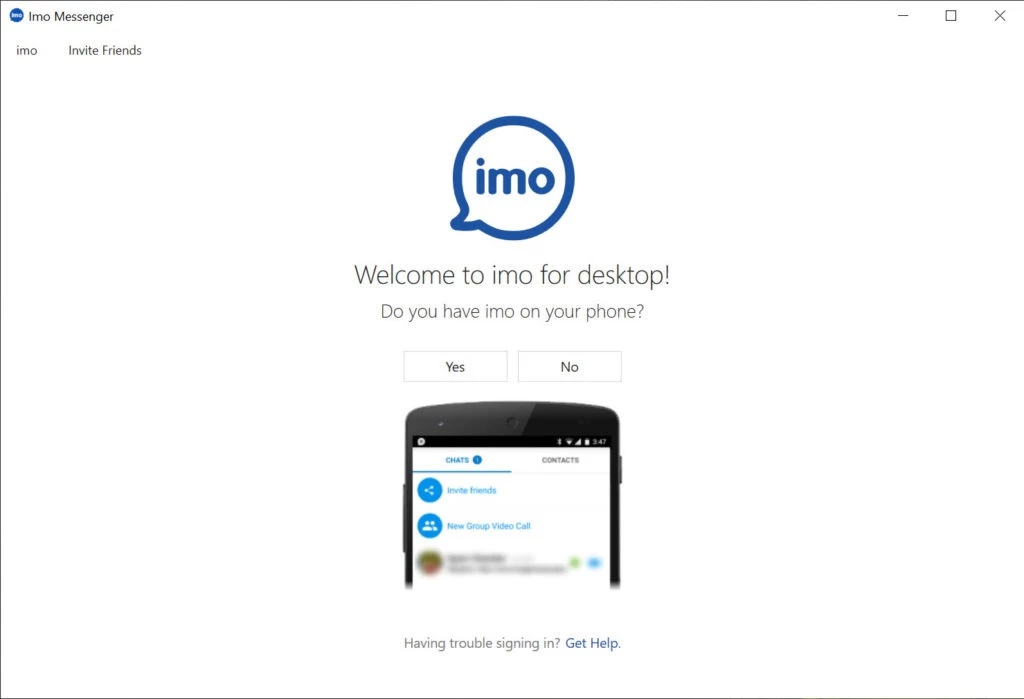
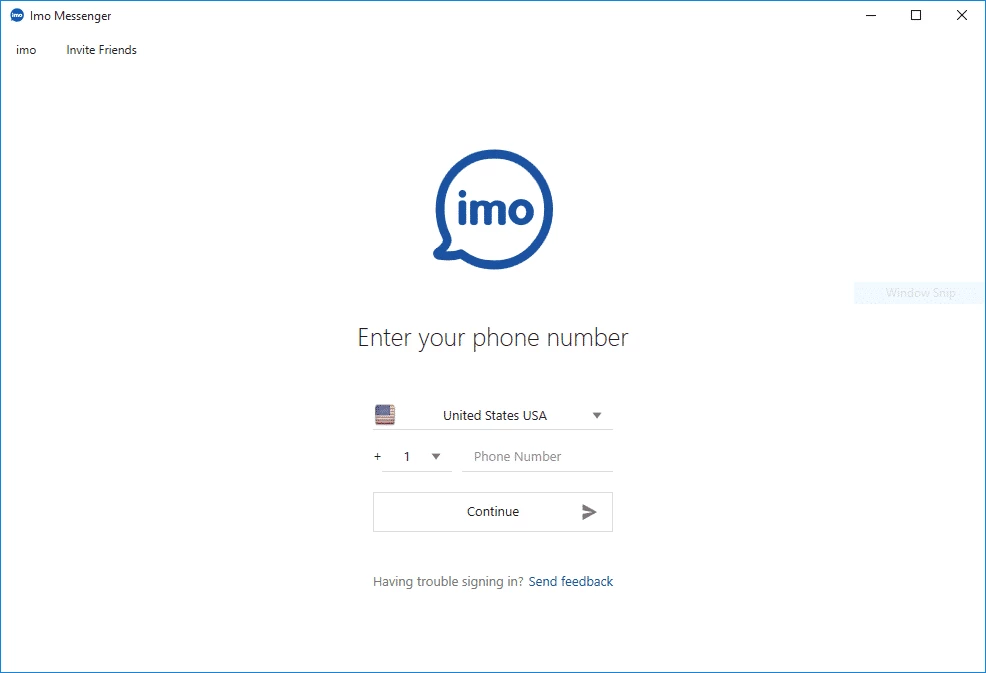
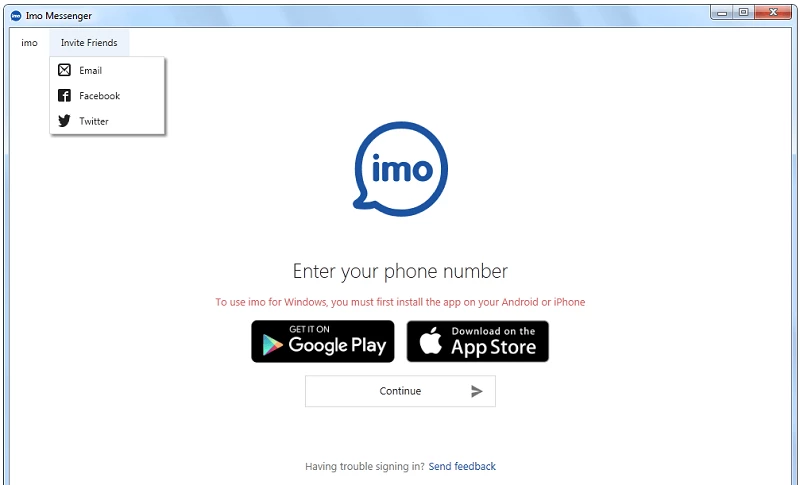
imo Messenger 1.5.8.1 is the Windows app of imo, a cross-platform instant messaging and internet calling service that has been around since 2007. You can download imo Messenger for Windows free of charge from the official website imo.im and chat or call your contacts from a PC.
imo combines an instant messaging client with a softphone for voice over IP, so it covers both text chats and calls over the internet. Over the years it has had apps for many platforms, including Android, iOS, BlackBerry OS and Windows Phone, so people with very different phones could use the same service to stay in touch with family and friends. The Windows app brings the same account to the desktop. It is handy for people who prefer a big screen and a headset for long calls, for those who share files from a computer and for users whose relatives mainly use imo on their phones. If none of your contacts use imo, a messenger that your circle already relies on will be more practical, since a chat app is only as useful as the people you can reach in it.
Use a strong phone lock and never share verification codes, because they give access to your account. Be careful with links and files from unknown contacts, a common way of spreading scams in messengers. Download imo only from imo.im; modified versions from other sites may contain malware. News about updates is published on the official imo blog.
imo is free to download and use.
Use a wired connection or strong Wi-Fi, close programs that download large files during calls and choose a headset to avoid echo. If the other side hears you badly, check which microphone the app uses in its settings.
Mute busy group chats, archive old conversations and clear received files from the computer now and then to save disk space.
Other messengers for Windows in our listings: WhatsApp Desktop, Telegram Desktop, Viber, Signal and Zoom Meeting.
Signal is a free, privacy-focused encrypted messaging app from the Signal Foundation. Signal Desktop 8.28.0 brings your chats to a Windows PC.

WhatsApp Desktop is the official WhatsApp app for Windows, letting you chat and call from your PC with the account on your phone.

Microsoft Teams is Microsoft's collaboration and video-conferencing app for chat, meetings, calls and shared files at work, school or home.

Zoom Meeting is the desktop client of Zoom's video-conferencing service for calls, webinars, screen sharing and chat on Windows.

Camo Studio is Reincubate's desktop app that turns an iPhone, iPad or Android phone into a high-quality webcam for a Windows PC or Mac.

Google Meet is Google's video meeting app. On Windows it runs from the browser and can be installed as an app, with no separate installer to download.

Facebook for Windows is the desktop app of Meta's social network, with the news feed, groups, pages and notifications in a separate window.

Telegram Desktop is the official Windows client of the Telegram messenger, with chats, groups, channels and file sharing synced from the cloud.

Telegram Web is the browser version of the Telegram messenger: open it on a Windows PC, log in with your phone and chat without installing anything.